 Signs & Large Format Print
File dimensions: trim size, bleed and safe margin
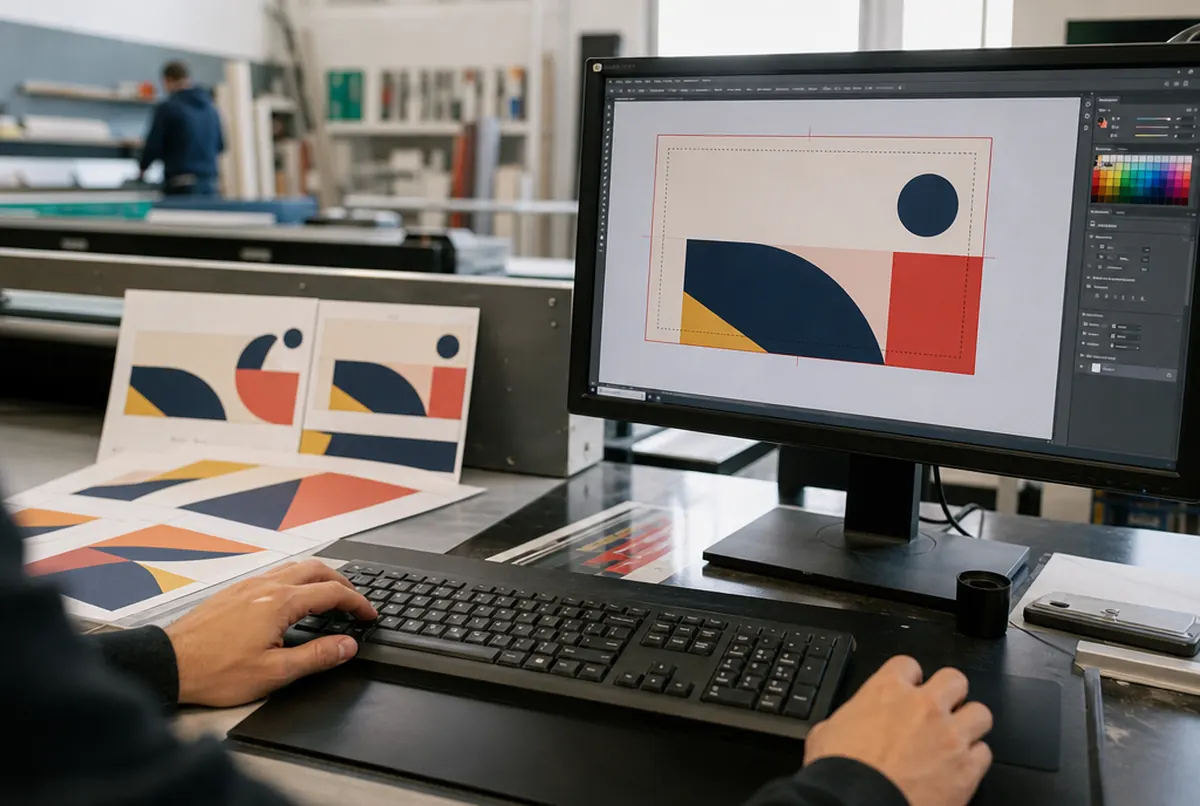
A business card has three important areas, and you need to see all three in the design.
- Trim size: 90 × 50 mm. This is how the card will look after cutting.
- Bleed: 3 mm outward on every side, so the whole file is 96 × 56 mm. Backgrounds, photos and anything meant to reach the edge are extended into the bleed.
- Safe margin: 3–4 mm inward from the trim line. No text, logo or phone number should sit here.
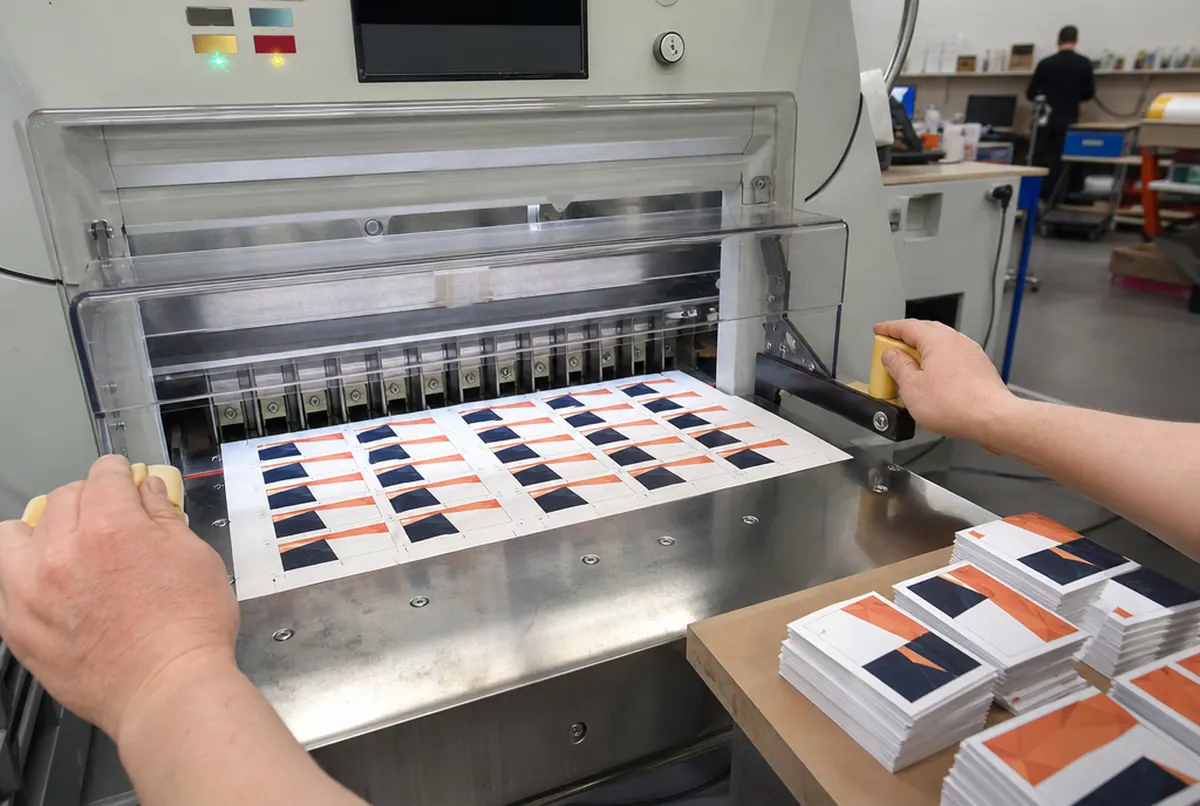
Why? The guillotine cuts a stack of sheets, and paper always shifts slightly. The difference is a fraction of a millimetre, but on a business card it shows immediately: a white hairline on the edge of a coloured background, or a phone number that drifts towards the edge. More about bleed in our guide what is print bleed.
The most common mistake we see in files: a border running round the card right at the edge. After cutting, it comes out thick on one side and thin on the other. If you really want a border, keep it at least 4–5 mm from the edge.
Preparing the file step by step
- Create a 90 × 50 mm document and set 3 mm bleed (layout programs have a dedicated field for this). If your software has no bleed setting, create a 96 × 56 mm document straight away and draw guides 3 mm from the edge.
- Set the colour mode to CMYK. In design software this is done when creating the document or in the image settings.
- Place your logo as a vector (PDF, AI, EPS, SVG). A logo copied from a website almost always has too low a resolution and prints jagged.
- Text no smaller than 6–7 pt, and light typefaces preferably from 7–8 pt. Contact details must be readable without glasses.
- Check that backgrounds and photos reach the bleed line and that text sits within the margin.
- Convert fonts to outlines or save the PDF with embedded fonts.
- Export a print PDF: with bleed included, without crop marks or with marks outside the bleed. Front and back as two pages of one file.
- Open the finished PDF and look at it at 200–300%. This is when you catch typos in the phone number, not after printing 1,000 cards.
Colours: CMYK, black and your brand colour
We print business cards in CMYK. If you send an RGB file, it will be converted anyway, and then the intense colours you see on screen, especially neon greens, blues and oranges, will come out more muted. So it is better to convert yourself and see the result before printing. We explain this in more detail in CMYK or RGB.
A few practical rules from our daily file checks:
- Set small black text to 100% K, with no other inks mixed in. Four-colour black on small letters can give a slight coloured fringe.
- A large black background is better as rich black (100% K plus other inks), because plain 100% K on a large area prints charcoal grey.
- Light grey tints below 5–8% can almost disappear in print.
- If your brand colour is specified in Pantone, tell us directly: we will say how close digital printing can get to it.
Fonts and photos: what people forget
A font that is not on our computer will be substituted unless it is embedded in the PDF or converted to outlines. The result can be amusing, but not for the card's owner. Converting to outlines solves the problem completely; just keep an editable version for later changes.
Prepare photos and raster graphics at about 300 dpi at 1:1 scale. A 300 × 300 pixel photo stretched across the whole card will be about 85 dpi and come out blurred; no printer can fix that.
Make QR codes as vectors or at very high resolution, dark on a light background, no smaller than about 15 × 15 mm. Before sending the file, scan it with your phone from the screen and check where it leads.
- 24 hexpress printing (UV inks need no drying)
- approx. 3 daysstandard lead time
- up to 14 dayslarge and custom projects with installation
Plus courier delivery. Tell us your date — we plan production around it.
Checklist before sending the file
- PDF file, 96 × 56 mm (90 × 50 mm + 3 mm bleed).
- Text and logo at least 3–4 mm from the trim line.
- Backgrounds and photos extended into the bleed.
- CMYK mode, small black text as 100% K.
- Fonts outlined or embedded.
- Photos at about 300 dpi at 1:1.
- Front and back as separate pages, in the right order.
- No borders right at the edge.
- Details checked: phone, email, website, VAT number.
Every file we receive goes through a technical check before production, included in the order price. If something needs fixing, we call or email. If you would rather someone prepared the file for you, our studio will handle it; see print file preparation and graphic design. Business card prices are collected in how much do business cards cost.