 Signs & Large Format Print
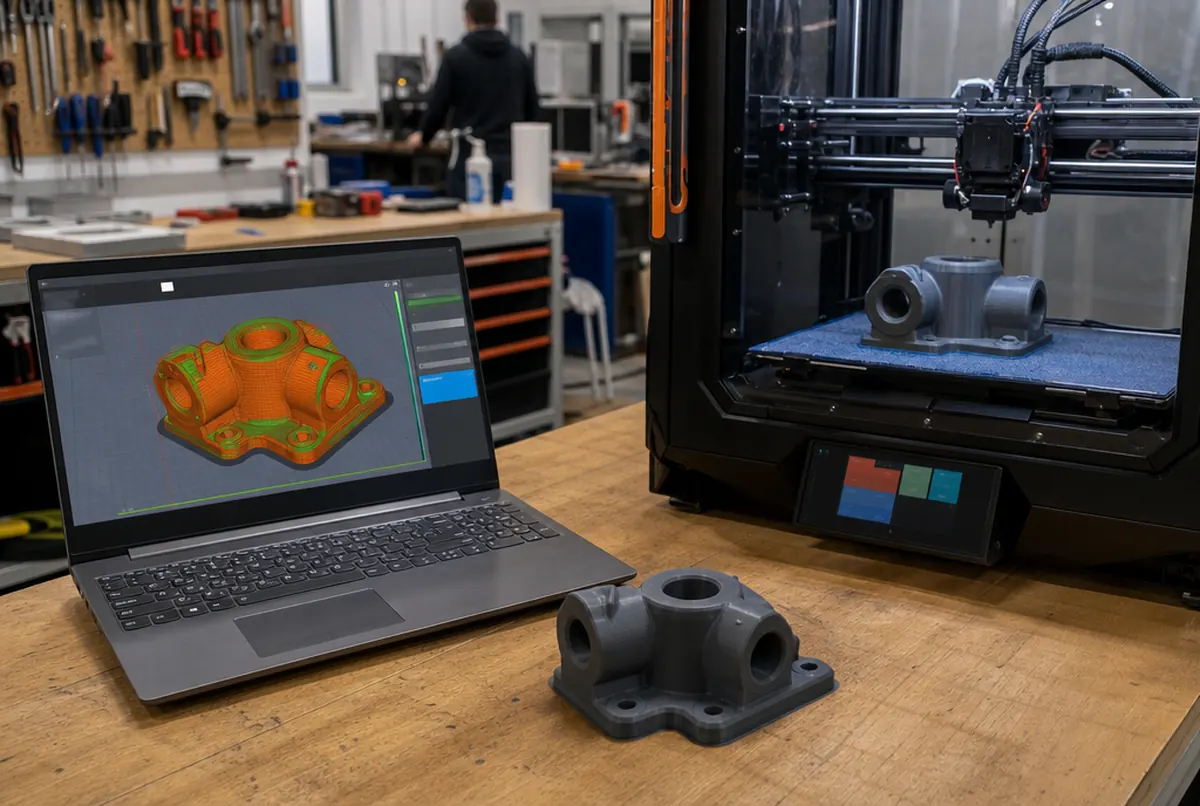
Ordering in 5 steps
- Prepare the file. STL is enough, but if you can, export 3MF or STEP: they keep units and more accurate geometry. One file per part, unless something is to be printed as an assembly.
- Check units and size. State in your email what size the finished item should be, e.g. "width 84 mm". It is the simplest safeguard against a scale error.
- Describe the use. Indoors or outdoors, whether it will be screwed together, whether it heats up in a car, whether it needs to flex. On that basis we choose the material and infill.
- Give the quantity and deadline. This decides whether we print everything at once on several machines, and whether the series discount applies (about 15% for 10–50 pieces).
- Approve the quote. Once the model is in the slicer, we know how long the print will take and how much material it will use. You receive a net price and a date; once approved, we print.
Files can be sent by email or via a cloud link if they are large. Send the model with the quantity and material, and we will confirm the price.
STL, 3MF, STEP, OBJ: which format to send
| Format | What it contains | Our note |
|---|---|---|
| STL | triangle mesh, no units | the most common; always give the target size |
| 3MF | mesh + units, colours, settings | better than STL, fewer scale errors |
| STEP / STP | solid from CAD software | best for technical parts and fits |
| OBJ | mesh, sometimes with texture | accepted; texture colour does not carry over to the print |
| PDF / DWG drawing, sketch, photo | no 3D solid | a model has to be made: approx. €45 net per hour of modelling |
When the model comes from CAD software, please send STEP. From an STL mesh we cannot tell that a hole was "meant to be" an 8 mm press fit; in STEP it is clear, and with fits that makes a difference.
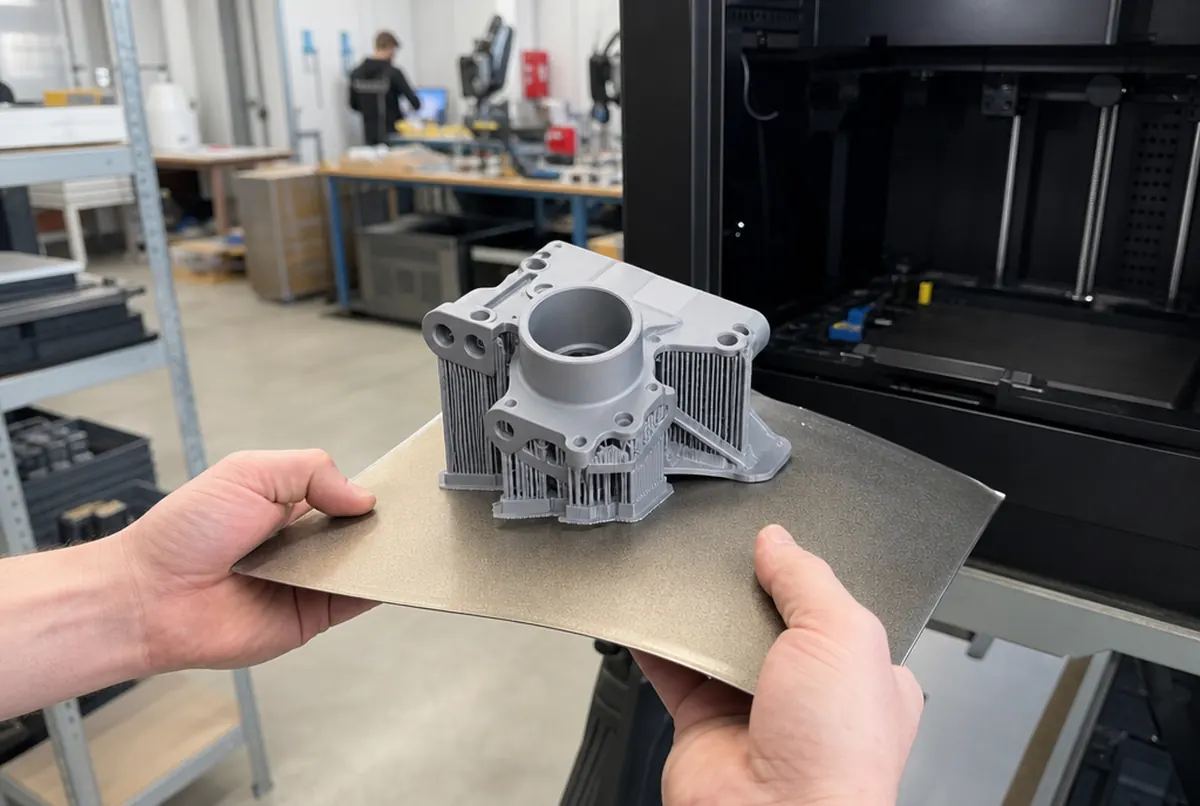
The most common file errors we see
Most files go through without a problem. Those that go back to the client or need fixing usually have one of these issues:
- Wrong scale. A model designed in inches or metres arrives 25 times too small or 1,000 times too big. That is why we always ask for a check dimension.
- A leaky mesh. A model from graphics software or downloaded from the internet has open walls, flipped normals or overlapping bodies. We fix simple errors during the file check; bigger ones need a modeller.
- Walls too thin. A 0.4 mm wall looks fine on screen, but the printer nozzle cannot make a durable part from it. For typical prints we assume a minimum of about 1–1.2 mm, more for load-bearing parts.
- No clearances. Two parts meant to fit together designed "to zero" will not go into each other after printing. Usually about 0.2–0.3 mm of clearance per side is added, depending on material and orientation.
- Details smaller than a layer. Text 0.1 mm high or a bump thinner than the nozzle track will simply disappear.
- A model made of dozens of bodies exported together: it has to be merged or split into printable parts.
We look at every file before printing. If something is wrong, we tell you what and how much a fix would cost; we do not print blind.
What we decide with you before printing
The file alone does not say everything. A few decisions affect both the price and whether the item will do its job.
Orientation on the plate. An FDM print is weakest between layers. A bracket that has to carry a load we orient so the force does not pull the layers apart. Sometimes that means more supports and a longer print, but it is worth it.
Infill and walls. For a figurine or mock-up, a dozen or so per cent infill is enough. For a mechanical part we increase the number of perimeters: that adds more strength than "100% inside" alone.
Layer height. A thinner layer gives a smoother surface and a longer time. A thicker one is faster and cheaper, but the ridges show.
Material. PLA for interiors and prototypes, PETG when the part must be tougher and withstand higher temperatures, ASA for outdoors, TPU when it needs to flex. Details in our guide to 3D printing materials.
Finish. A raw print with supports removed, or sanding, priming and painting (approx. €34 net per hour of finishing).
No file, or an uncertain one
Often someone has only a broken part, a dimensioned drawing or a photo. Then there are two routes.
The first is modelling from scratch in CAD software, at approx. €45 net per hour. A simple bracket or cap is usually an hour or two. A housing with snap fits or a part with many fits takes longer.
The second is 3D scanning: when the object has a complex, organic shape and is easier to scan than to measure with callipers. The scan still has to be processed by a modeller, but it saves a lot of time with unusual geometry. More in 3D scanning: what it is useful for.
If it is a prototype of a new product rather than a copy of an existing part, see also how to make a prototype quickly.
One practical note to finish: if you are ordering a part that has to fit something and you are not sure of the dimensions, order a single piece first. A test piece costs little compared with a run of twenty parts that turn out a millimetre too tight. With series this is standard procedure: first piece for approval, then the rest.