 Signs & Large Format Print
Checklist before you send the file
Before sending the file, go through these points. It is exactly what we check during preflight, in the order in which things most often go wrong.
- Size. The file has the proportions of the finished banner. If the banner is 300 × 100 cm, the file is 300 × 100 cm (1:1 scale) or 30 × 10 cm (1:10 scale). Not 297 × 105 "because that's what the software gave me".
- Scale stated. If you work at 1:10, say so in the file name or the email, e.g. banner_300x100_scale1-10.pdf.
- CMYK colour mode. We will print an RGB file too, but the conversion can dull bright greens, blues and oranges.
- Image resolution. Measured at 1:1: about 100–150 dpi for a banner seen close up, less for large formats seen from a distance.
- Fonts converted to outlines or embedded in the PDF.
- Safe margin. Text, logos, phone numbers: at least 5 cm from the edge.
- Background to the edge. If the artwork has a solid or photographic background, let it run to the edge, ideally with a few centimetres extra.
- No crop marks or colour bars. They are not needed on a banner and they can end up printed.
File format and scale: what to send us
| Parameter | We recommend | Notes |
|---|---|---|
| Format | PDF, TIFF | Highest-quality JPG is also fine, not compressed for email |
| Scale | 1:1 or 1:10 | 1:10 for banners longer than about 5 m |
| Colours | CMYK | We convert RGB, but colours may shift |
| Resolution at 1:1 | 100–150 dpi | At 1:10 the file needs 10 times the dpi |
| Fonts | Converted to outlines | Or embedded in the PDF |
| Text margin | At least 5 cm from the edge | The hem folds approx. 3 cm, eyelets sit right at the edge |
| Logo | Vector (PDF, AI, EPS, SVG) | A small JPG from the web cannot be enlarged |
Why 1:10 scale? Design software has document size limits, and a 6-metre banner at 1:1 can weigh several gigabytes. At 1:10 you design a 600 × 300 cm banner as 60 × 30 cm and save it that way. Just watch the resolution: a photo at 1000 dpi in a 1:10 file will be 100 dpi when enlarged to full size. We set out the exact pixel counts in our guide to resolution for large format printing.
Bleed and margins on a banner: not like a flyer
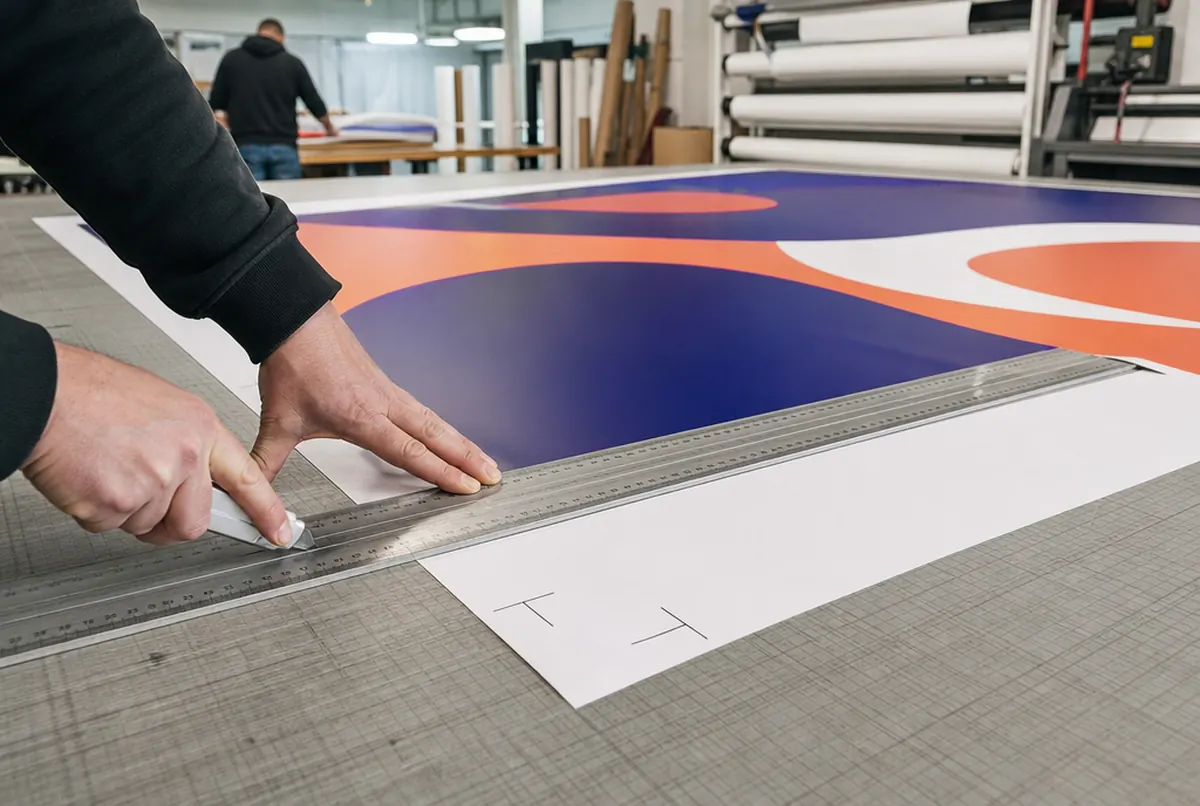
With flyers people talk about 2–3 mm bleed. With a banner it is centimetres, because the edge is finished. The hem folds the material over by about 3 cm, and eyelets go right at the edge, every 50 cm. If a phone number sits right at the edge, an eyelet will land in the middle of a digit.
Rule of thumb: file size = finished banner size. The background can run to the very edge, but anything that has to be read should stay within a frame at least 5 cm from the edge. With pole pockets the margin grows: an 8–12 cm pocket takes that much artwork from the top or bottom, so move text further in accordingly.
It is best to state in your order how the banner will be finished: eyelets, pole pockets, hem only. When checking the file we make sure nothing important falls in the finishing zone and let you know before it goes to print.
Colours, black and logos: where things most often go wrong
The most common problem is an RGB file with very saturated colours. On screen a neon green glows; on the banner it comes out calmer, because that colour simply cannot be reproduced in CMYK. Better to see this early by designing in CMYK from the start.
The second is black. A large black background set as plain black (K 100%) will print charcoal grey on a banner. For large areas use rich black, e.g. C 40, M 30, Y 30, K 100. Keep small text in plain black, as it could blur with several inks.
The third is the logo. A logo downloaded from a website is usually a few hundred pixels wide. On a 3-metre banner it turns into a mosaic. Look for a vector file from whoever designed the logo. If there is none, we can redraw it as outlines (approx. €26 net).
If your brand colour has to match, order an A3 test print on the actual material (approx. €13 net). For orders over 20 m² we refund its cost.
- 24 hexpress printing (UV inks need no drying)
- approx. 3 daysstandard lead time
- up to 14 dayslarge and custom projects with installation
Plus courier delivery. Tell us your date — we plan production around it.
No file, or no time to fiddle with artwork?
Many of our clients send text, a logo and photos, and our own studio does the design. A simple banner with two rounds of changes costs approx. €42 net. If you have a finished design in another format, e.g. an A3 poster, and need a 4 × 1 m banner, adapting it to the new size costs approx. €13.
More about how design work runs in can you design it for me. You can send the file by email; for large files a download link works best.