 Signs & Large Format Print
Why a banner does not need 300 dpi
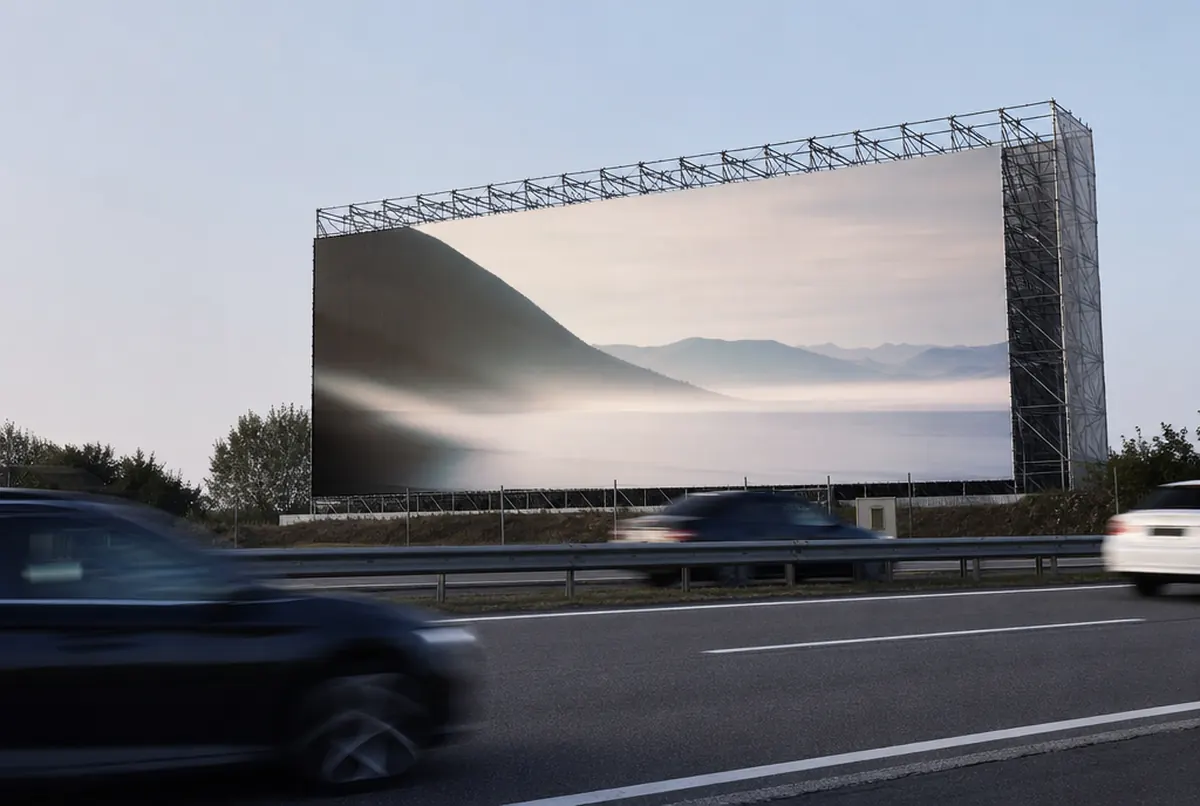
300 dpi is a figure from small format print: flyers, business cards, brochures. We hold them in our hands, 30 cm away, and the eye sees every detail. You view a fence banner from 3–10 m and a billboard from several dozen metres. At that distance the eye cannot resolve dots that would be visible on a flyer.
That is why large format resolution is always calculated at 1:1 scale and always in relation to viewing distance. A billboard file at 300 dpi would be tens of gigabytes, and the print would look exactly the same as from a 50 dpi file.
How many dpi by viewing distance
| Viewing distance | Examples | Resolution at 1:1 |
|---|---|---|
| up to 1 m | Roll-up, indoor poster, stand back wall | approx. 150 dpi (product photos up to 200) |
| 1–3 m | Banner by the pavement, fence banner, press wall | approx. 100–150 dpi |
| 3–10 m | Banner on a warehouse, mesh at first-floor level | approx. 72–100 dpi |
| 10–30 m | Billboard, large facade mesh | approx. 30–50 dpi |
| over 30 m | Very large scaffold wraps, roadside banners | approx. 20–30 dpi |
These are indicative values we use when checking files. A photo slightly below these thresholds usually still looks fine. Trouble starts only when the resolution is several times lower than needed: then the print shows jagged steps and blur.
How many pixels you need: worked examples
The maths is simple: divide the size in centimetres by 2.54 (to get inches) and multiply by the dpi.
- Roll-up 85 × 200 cm, 150 dpi: 85 / 2.54 × 150 ≈ 5,020 px by 200 / 2.54 × 150 ≈ 11,810 px.
- Banner 3 × 1 m, 100 dpi: approx. 11,810 × 3,940 px. At 150 dpi: approx. 17,720 × 5,910 px.
- Banner 6 × 3 m, 72 dpi: approx. 17,010 × 8,500 px.
- Billboard poster 504 × 238 cm (a common continental size), 50 dpi: approx. 9,920 × 4,690 px. A UK 48-sheet (609.6 × 304.8 cm) at 50 dpi is approx. 12,000 × 6,000 px.
- Facade mesh 12 × 8 m, 30 dpi: approx. 14,170 × 9,450 px.
For comparison: a 12 MP phone photo is about 4,000 × 3,000 px. At 100 dpi that prints about 1 m wide. Stretched across a 3-metre fence banner it drops to about 34 dpi: soft up close, passable from the street. For a product photo on a roll-up, it is not enough.
1:10 scale: how not to get the dpi wrong
Large banners are often designed at 1:10 scale, because software has document size limits and 1:1 files become huge. For example, Photoshop's PSD format is limited to 30,000 px per side; larger files are saved as PSB.
At 1:10 everything is ten times smaller, so the resolution must be ten times higher. A 600 × 300 cm banner is designed as a 60 × 30 cm document. To get 72 dpi when enlarged, the images in the 1:10 file need 720 dpi. The number of pixels is the same; only the label in the file changes.
The most common mistake: someone designs at 1:10, sets 300 dpi "to be safe" and is convinced the file is great. Enlarged to 1:1, it is 30 dpi. Fine for a billboard, not for a banner by a shop entrance. When sending the file, always say what scale it is in. More on formats and bleed: how to prepare a banner print file.
- 24 hexpress printing (UV inks need no drying)
- approx. 3 daysstandard lead time
- up to 14 dayslarge and custom projects with installation
Plus courier delivery. Tell us your date — we plan production around it.
How to check your file's resolution
- Photoshop: Image → Image Size. Untick Resample, enter the target size in centimetres and see how many pixels per inch you get.
- Illustrator / InDesign: the Links panel shows the effective resolution of a placed image, i.e. after scaling in the layout. That is the figure that matters.
- PDF from Canva or another online tool: download the file at the highest print quality. If you do not know what is inside, send it to us: the technical file check is included in the order.
And one important point: artificially increasing the dpi in software does not add detail. An 800 px photo upscaled to 8,000 px is simply a bigger, blurrier version of the same thing. Better to find the original: from the camera, the photographer or a stock library at full resolution.
What about logos and text
Resolution applies to photos and raster graphics. Logos, lettering and simple shapes should be vectors: then there is no resolution at all, because the software scales the curves to any size and the edges are always sharp. That is why for banners we ask for logos as PDF, AI, EPS or SVG, with text converted to outlines. Why this matters is explained in vector logo for print.
If you only have a small JPG logo, we can redraw it as a vector (approx. €26 net). And if the file has to be made from scratch, a simple banner design costs approx. €42 net; see graphic design and artwork.