 Signs & Large Format Print
What we use the laser for most often
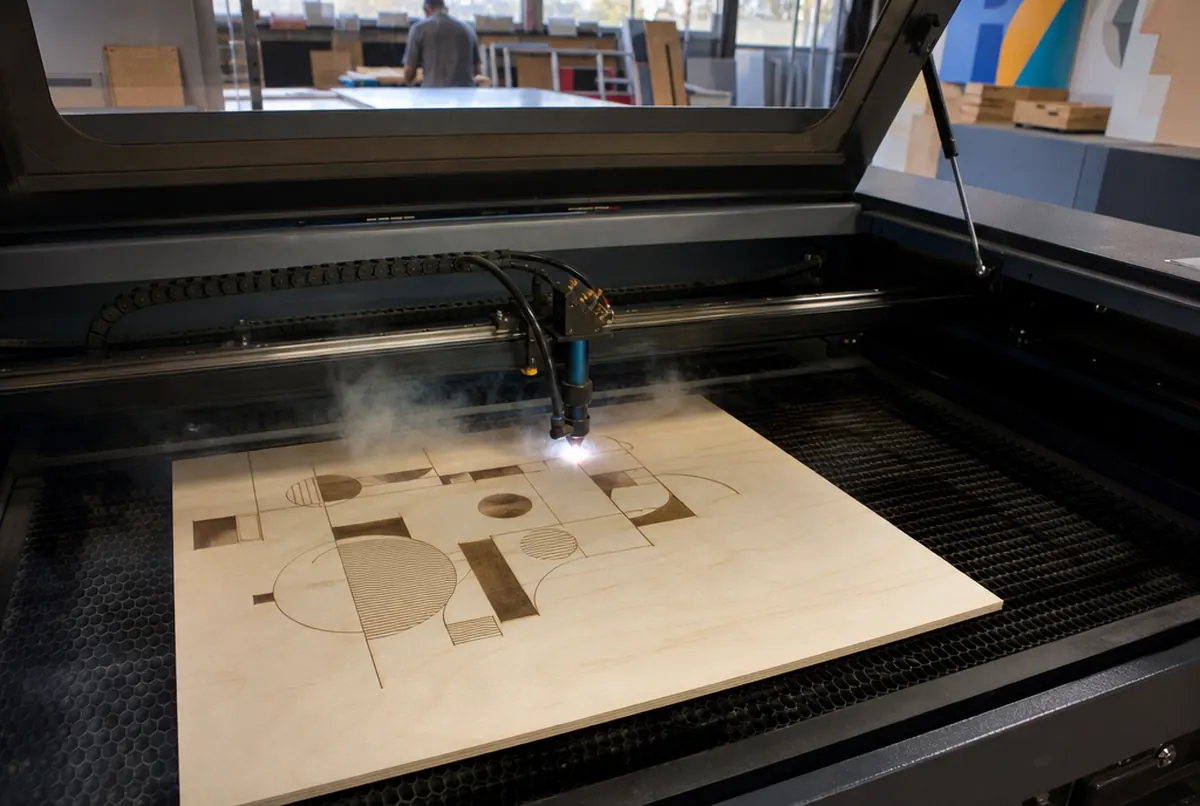
A laser is a tool for precise, fine work. In signage and small-scale production we use it mainly for:
- acrylic elements: plaques, stands, leaflet holders, hangers, lettering on stand-offs, award components; laser-cut acrylic has a smooth, glossy edge that needs no polishing,
- plywood and MDF: coasters, tags, packaging, templates, decorations, letters for painting, puzzles and cut-outs for events,
- engraving logos and text: on wood, plywood, acrylic; for personalisation, numbering, name plaques,
- felt, rubber, PET: gaskets, pads, packaging inserts, display parts,
- personalised runs: dozens or hundreds of the same shape with a different name or number.
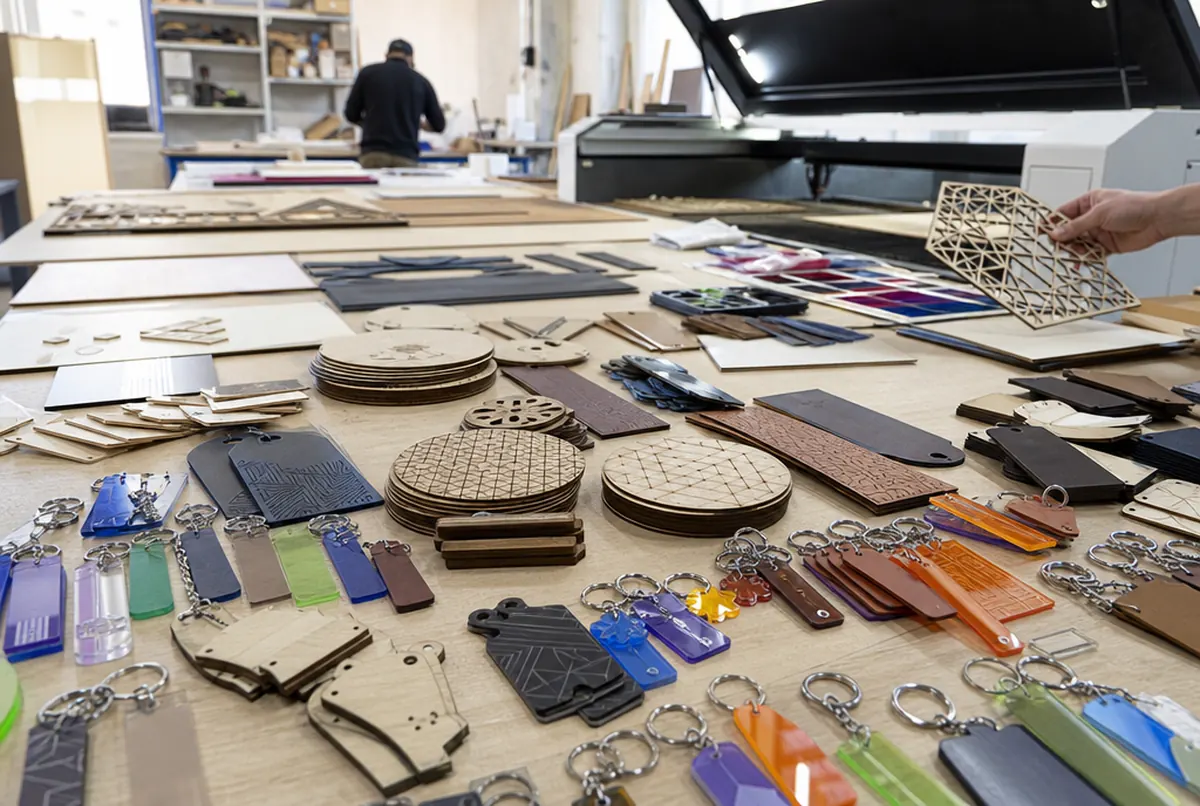
We often combine the laser with UV printing: first a full-colour print on the board, then cutting to the outline. That is how coloured tags, acrylic keyrings and parts of leaflet holders and presenters are made.
For the laser we buy acrylic in cast or extruded form, and it matters. Cast acrylic gives an attractive, milky, matt engraving; extruded engraves less well but cuts more cleanly. If you want a clear engraving on a transparent sheet, say so when ordering and we will choose the right sheet.
Which materials suit the laser, and which do not
| Material | Cutting | Engraving | Notes |
|---|---|---|---|
| Acrylic (PMMA) up to 5 mm | yes | yes | glossy edge, no polishing |
| Acrylic 6–10 mm | yes | yes | above approx. 8 mm a router is better |
| Plywood, MDF up to 5 mm | yes | yes | edge scorched brown: that is normal |
| Solid wood | thin parts | yes | engraving comes out dark and high-contrast |
| Felt, rubber, PET | yes | partly | gaskets, pads, inserts |
| Foam and solid PVC | no | no | releases chlorine when burnt: we cut it with a knife or router |
| Polycarbonate | not recommended | poorly | yellows and smokes: a router is better |
| Dibond, metal | no | no | we route Dibond; metal we mark by mechanical engraving or UV print |
Most misunderstandings concern PVC. It is a popular material for plaques, so clients assume "a laser cuts everything". It does, but burning PVC releases corrosive fumes that harm people and destroy the machine. No reputable workshop does it.
What laser cutting and engraving cost
| Service | Price |
|---|---|
| Cutting plywood / MDF up to 5 mm | approx. €0.85 / lm of path |
| Cutting acrylic, PET, felt, rubber up to 5 mm | approx. €0.80 / lm of path |
| Cutting acrylic 6–10 mm | approx. €1.45 / lm of path |
| Surface engraving (logos, text) | approx. €0.55 / dm² |
| Deep engraving (permanent plaques) | approx. €1.10 / dm² |
| Serial marking from 100 pcs | approx. €0.25 / pc |
| Minimum laser order value | approx. €14 |
Example: 50 plywood coasters, 10 × 10 cm, with an engraved logo of about 0.5 dm².
- Cutting: perimeter 0.4 lm × 50 = 20 lm × €0.85 = approx. €17
- Engraving: 0.5 dm² × 50 = 25 dm² × €0.55 = approx. €14
- Total machining: approx. €31 net, plus material
For a hundred or more pieces with identical marking we switch to the serial per-piece rate: it pays off especially for personalisation with numbers or names.
Laser or router: a quick comparison
For the laser:
- very fine detail and sharp internal corners that a round cutter cannot make,
- a glossy acrylic edge straight away, without polishing,
- engraving photos, thin lines and small text,
- inexpensive for thin materials and large numbers of small parts.
Against the laser:
- thick boards: above about 8 mm the acrylic edge becomes uneven and slightly bevelled,
- scorched, dark plywood edges: if they bother you, they need sanding or painting,
- materials that must not be burnt (PVC) or that melt and smoke,
- metal and Dibond.
In practice the material and thickness decide, not preference. If a project has parts from different boards, we do some by laser and some by CNC router. Routing is covered in detail in CNC routing acrylic, PVC and Dibond.
Sometimes a knife is a better choice than the laser. For card, foam or thin HIPS, oscillating knife cutting leaves no scorched edge or burnt smell, which matters for displays and packaging standing in a shop.
How to prepare a file for the laser
Like the router, the laser needs a vector file: PDF, AI, EPS, SVG or DXF at 1:1 scale.
- Mark cut lines in one colour (e.g. red, hairline) and engraving in another colour or as a fill.
- Convert text to outlines.
- Remove duplicate lines: the laser will go round twice, scorch the edge and add to the path length.
- For engraving a photo or raster graphic, send a good-resolution greyscale file.
- State the material and thickness.
If you only have your logo as a JPG, we will vectorise it for approx. €26 net per logo. Why a vector matters so much is explained in vector logo for print.
On a first order for an unusual part, it is worth making one test piece. Especially when something has to fit something else: a box insert, a gasket, a part that slides into a slot. The laser removes some material along the beam width, so for precise fits we allow for it in the file.