 Signs & Large Format Print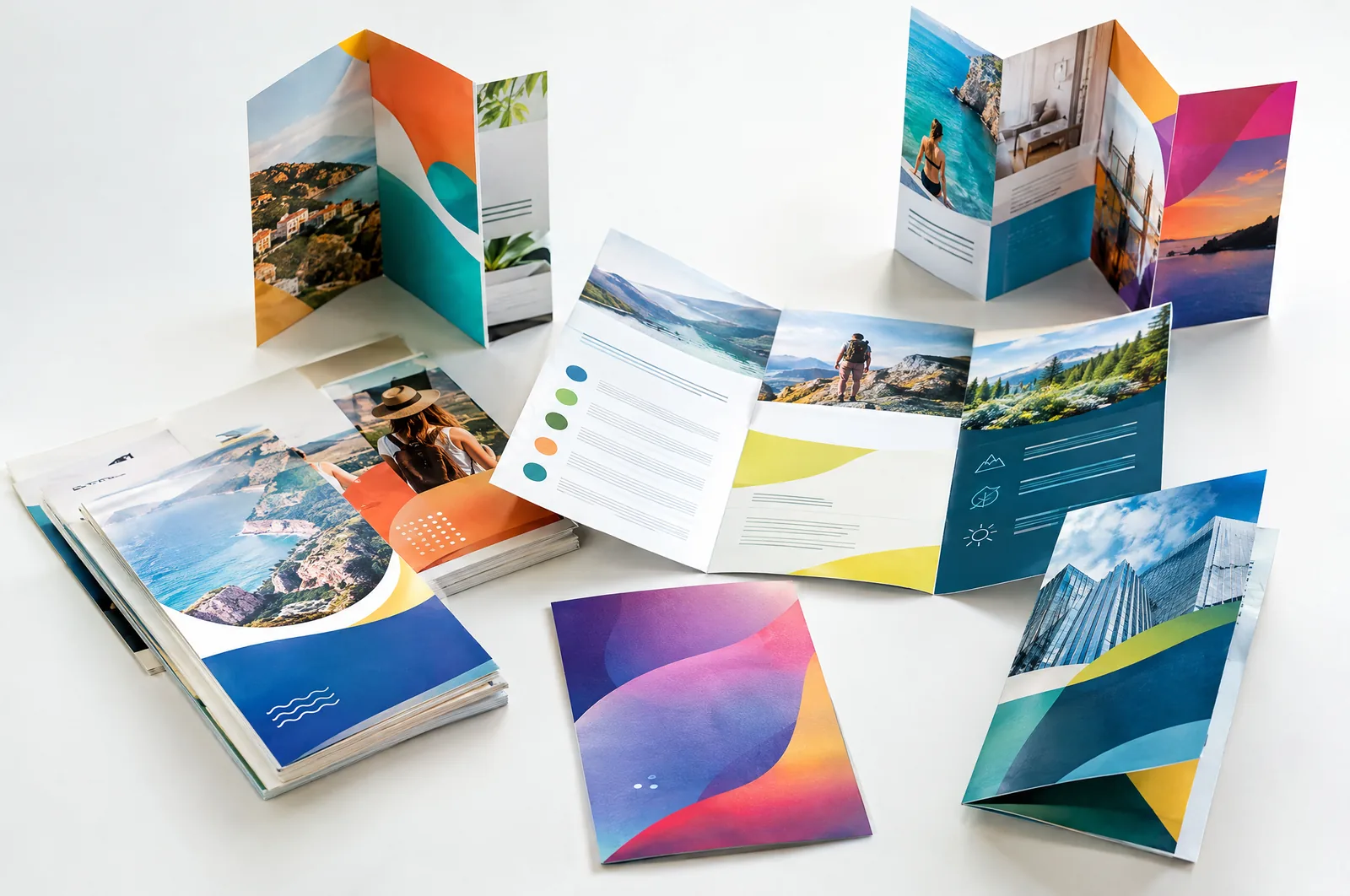
Minimum size vs scanning distance (the 10:1 rule)
| Medium | Typical distance | Min. code side |
|---|---|---|
| Business card, label, packaging | 15–25 cm | approx. 2–2.5 cm |
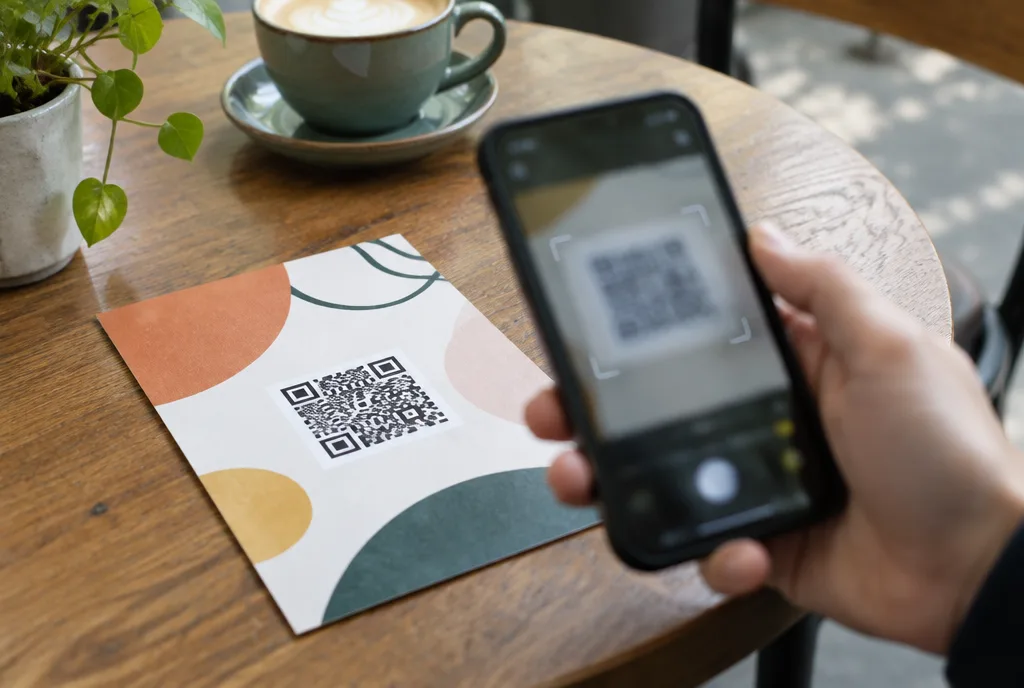
| Flyer, leaflet, menu | 20–30 cm | approx. 2.5–3 cm |
| A2–A1 poster on a wall | 1–2 m | approx. 10–20 cm |
| Window sticker | 1–2 m | approx. 10–20 cm |
| Roller banner, trade show backdrop | 2–3 m | approx. 20–30 cm |
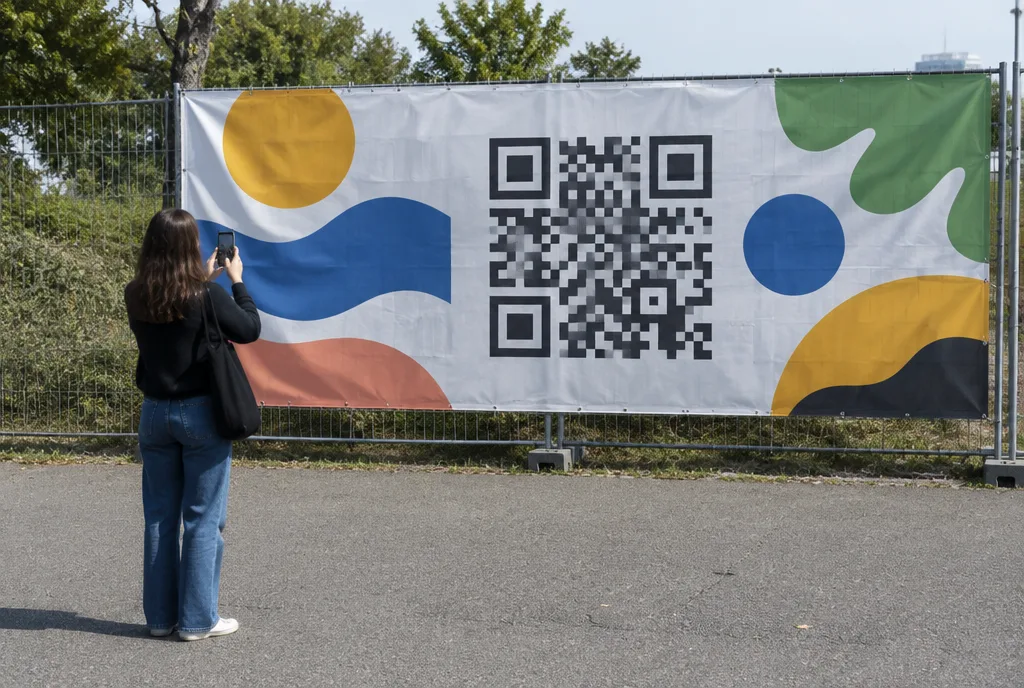
| Banner on a fence | 4–6 m | approx. 40–60 cm |
The phone has to see the individual squares of the code, called modules. The further away the person stands, the larger the modules must be. Hence the practical rule: the scanning distance divided by 10 gives the minimum side of the code.
That rule applies to a simple code with a short address. If you encode a long link with parameters, the code becomes denser (more modules), so at the same size each module is smaller. Then you need to enlarge the code or shorten the link.
Contrast, colours and the quiet zone
Most of the unreadable codes we see in files are ruined not by size but by contrast and surroundings.
- Dark code on a light background. Black or a very dark colour on a white or light background. Some apps will not read an inverted code (light on dark).
- Brand colour – yes, but dark. Navy, dark green or burgundy usually work. Light blue, yellow, pastel pink do not.
- Quiet zone. There must be an empty margin around the code about 4 modules wide. A code squeezed into a photo or right at the edge of a flyer often will not scan.
- No photo background under the code. Even if it looks good, the camera struggles to distinguish the modules.
- A logo in the middle of the code is possible, but then the code must be generated with a higher error correction level (Q or H), and the logo must not cover the three large squares in the corners.
In print the file also matters. The code should be a vector or a high-resolution bitmap, in a single-colour black (not built from four CMYK components). A blurry, scaled-up screenshot is asking for trouble. File preparation rules are covered in our guide on print-ready PDF settings.
Static or dynamic code
A static code has the address permanently encoded in the pattern itself. It always works and costs nothing, but cannot be changed after printing.
A dynamic code leads to a short address on an intermediary service, which redirects onwards. The advantage: you can change the destination after printing and you get scan statistics. The drawback: if you stop paying for the service or the provider disappears, the printed codes stop working.
Our usual recommendation: set up a redirect on your own domain, e.g. yourcompany.com/spring-flyer. The code points to an address you control, and where it leads is set on your side. You get the flexibility of a dynamic code without depending on an external service. For materials that will be in circulation for years (packaging, signs, labels) this is especially important.
- 01Brief
Description, sizes, site photos and deadline — a few sentences are enough.
- 02Design and quote
Our designers prepare artwork or a visualisation and you get a price.
- 03Approval
You approve the design; for brand colours we provide a proof.
- 04Production
35+ machines in our own plant in Poland: 3.2 m UV print, CNC, laser, 3D, sewing.
- 05Installation or delivery
Own crews and vehicles across Europe, partner network, couriers worldwide.
QR codes on banners, windows and vehicles: in practice
A QR code only makes sense where people can stop for a few seconds. That sounds obvious, but every year we print banners with a code by a busy road that nobody will ever scan from a moving car.
- [Banner](/produkty/banery-frontlight) on a fence by the pavement – yes, if the code is large (half a metre or more) and at eye level, not up under the roof.
- Banner by a fast road – no. A readable web address or phone number is better.
- Shop window – a good place, especially for information outside opening hours (order online). Watch out for glare: a code behind glass in full sun can be hard to read, and gloss film makes it worse – matt film is better on glass.
- Company vehicle – works on the rear doors of a van that is often parked. On the sides, while driving, the code is useless.
- Packaging and [labels](/produkty/etykiety-produktowe) – a good medium, because the customer has the product in hand. Here the code can be small, but not under about 2 cm, and not on a fold or embossing.
- [Flyers and leaflets](/produkty/ulotki-i-foldery-skladane) – not on a fold line. With a folded leaflet, check which panel the code will end up on.
If the material should show more than a web page after scanning, e.g. an animation overlaid on the print, that is a job for AR materials.
How to measure scans (UTM, a separate code per medium)
A QR code is one of the few tools that let you measure the effectiveness of print advertising. For it to work:
- Each medium gets a separate code – one for the flyer, another for the banner, another for the window.
- Add UTM parameters to the address, e.g. ?utm_source=banner&utm_medium=print&utm_campaign=opening.
- In your website analytics, check how many visits came from each source.
- After the campaign, compare that with the cost of the medium.
UTM parameters lengthen the link and so make the code denser. That is why it is better to create a short address on your own domain that redirects to the full link with UTMs. More on measuring results in our guide on measuring offline advertising effectiveness.
Testing before print: a checklist
Before the whole run goes to press, go through this list:
- the code leads to the right, working page, which looks good on a phone,
- the code side meets the 10:1 rule for the real distance,
- dark code on a light background, quiet zone kept clear all round,
- the code is not on a fold, in the bleed, on embossing or by the trim edge,
- the code in the file is a vector or a full-resolution bitmap,
- scan test with several phones (iPhone and Android, older and newer), from a typical distance, in different light,
- for large runs and large media – a test print on the final material.
An A3 test print on the final material costs approx. €13 net with us. For a banner or light box costing a few hundred euros it is a cheap way to avoid printing twice. As part of file preparation we also check that the code has not been blurred on export.